
SEE IT IN ACTION
SCAN2FX Exporter for Clarisse
Transform real-world environments into textured meshes.
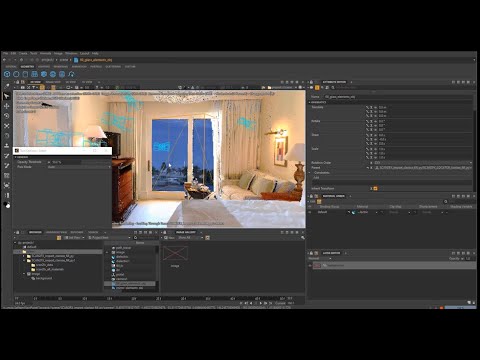
High-resolution texturing in ClarisseWatch on YouTube ↗
FROM SCAN TO SURFACE
Texture complex meshes with captured detail.
Bring real-world scan and photo imagery into your Clarisse texturing workflow.
SCAN2FX Exporter for Clarisse exports SCENE panorama scans and SCAN2FX Photo Projectors as 3D projections into Clarisse. Use the resulting setup for real-time texturing and 3D painting of complex meshes with scan and photo imagery.
Bring the appearance of the environment you captured into your surface work. SCAN2FX connects the panorama and photo projection data to Clarisse, giving you a way to use that imagery as you texture and paint your meshes.
From SCENE imagery to textured surfaces
- Prepare your source imageryStart with SCENE panorama scans and any SCAN2FX Photo Projectors you want to use.
- Export to ClarisseBring the panorama and photo projector data into Clarisse as 3D projections.
- Texture & paintUse the scan and photo imagery for real-time texturing and 3D painting of your meshes.
© Copyright 2026 SCAN2FX. All Rights Reserved. Various trademarks held by their respective owners.